Final Year Project 2026

Sign Bridge

Real-Time Sign Language Translation Mobile Application

On-device AI-powered mobile app that translates sign language gestures into text and text into sign language guidance—bridging communication gaps for the deaf community.

Mobile-First
Real-Time
AI-Powered

Sign Bridge App Mockup

Project Overview

Sign Bridge is a mobile application designed to facilitate real-time communication between deaf and hearing individuals through advanced computer vision and machine learning technologies.

Objective

Develop a mobile application that enables seamless, real-time translation between sign language gestures and text using on-device machine learning models.

Target Users

Deaf and hard-of-hearing individuals, their families, educators, and anyone who needs to communicate across the hearing-deaf divide.

Technology

Flutter for cross-platform UI, Kotlin for native Android processing, MediaPipe for hand tracking, and TensorFlow Lite for gesture classification.

Why This Project is Needed

70M+

Deaf individuals worldwide

<5%

Access to sign language interpreters

$150+

Average hourly interpreter cost

Communication Barriers

Deaf individuals face daily struggles in healthcare, education, employment, and social interactions due to communication gaps.

Interpreter Shortage

Severe global shortage of certified sign language interpreters makes professional services inaccessible and expensive.

Limited Digital Solutions

Current mobile solutions lack real-time capability, require internet connectivity, or provide incomplete sign language support.

Privacy Concerns

Cloud-based translation systems expose sensitive conversations to external servers, raising privacy and security issues.

Our Solution

Sign Bridge addresses these challenges through an innovative mobile-first approach with dual-direction translation capabilities.

Sign Language → Text Translation

1

Camera Capture

User performs sign gestures in front of the device camera at 30 FPS

2

Hand Detection

MediaPipe detects both hands simultaneously with 42 landmark points

3

Sequence Buffer

System collects 30 frames (1 second) of landmark data for temporal analysis

4

AI Classification

TFLite model identifies the sign from 250+ vocabulary with confidence scores

5

Sentence Building

Detected signs accumulate into complete sentences with 1.5s cooldown timing

Key Features: Dual-hand support enables complex bi-manual signs • On-device processing ensures privacy • No internet required • Real-time feedback with confidence indicators

Text → Sign Language Guidance

1

Text Input

User types or speaks a phrase they want to learn in sign language

2

Phrase Parsing

NLP breaks down the sentence into individual sign-mappable words

3

Sign Mapping

System matches each word to corresponding sign gesture from the vocabulary

4

Visual Guide

App displays step-by-step visual instructions for performing each sign

5

Practice Mode

User practices signs with real-time feedback and validation

Key Features: Bidirectional learning tool • Visual sign demonstrations • Step-by-step guidance • Practice mode with feedback • Educational for hearing users

Methodology & Technologies

Flutter + Kotlin

Cross-Platform Framework

Flutter provides beautiful, responsive UI with single codebase for Android/iOS, while Kotlin handles native Android processing via MethodChannel for optimal performance.

MediaPipe

Hand Landmark Detection

Google's MediaPipe HandLandmarker provides real-time detection of 21 landmark points per hand with high accuracy (~30ms processing time) running entirely on-device.

TensorFlow Lite

Machine Learning

Lightweight TFLite models classify sign gestures from landmark sequences. Models are quantized for mobile deployment with 250+ sign vocabulary and 85-92% accuracy.

CameraX

Camera Framework

Android CameraX API provides consistent camera access across devices with optimized frame processing pipeline for real-time computer vision applications.

System Architecture

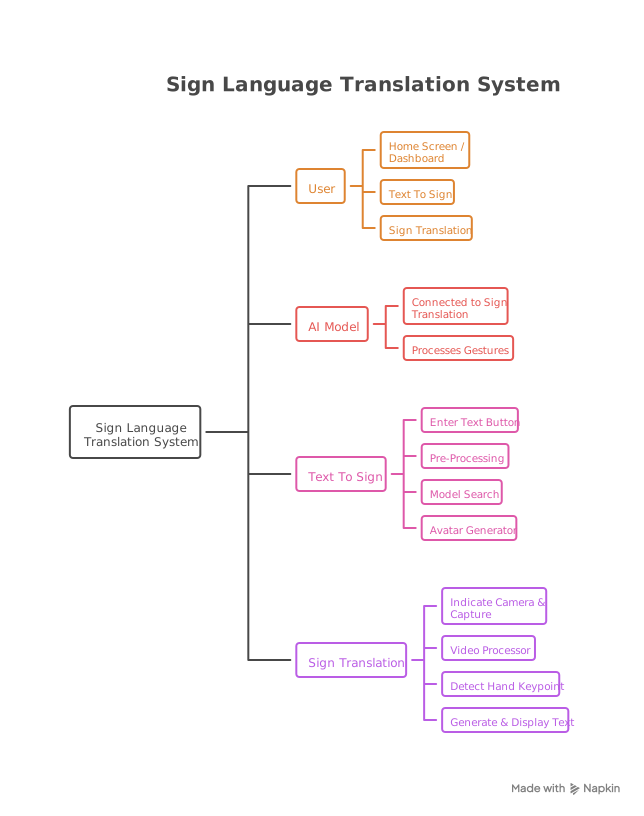
System Architecture Diagram

Layer 1: Presentation

Flutter UI layer handles user interactions, displays results, and manages application state with clean, accessible interface design.

Layer 2: Bridge

MethodChannel facilitates bidirectional communication between Flutter (Dart) and native Android code (Kotlin) for performance-critical operations.

Layer 3: Processing

Native Kotlin layer manages camera streams, invokes MediaPipe models, runs TFLite inference, and implements sequence buffering logic.

Main Modules

01

Camera & Frame Capture

Initializes device camera, configures optimal settings for gesture detection, and streams frames at 30 FPS to the processing pipeline.

  • CameraX integration
  • Real-time preview
  • Frame optimization
02

Hand Landmark Detection

Uses MediaPipe to detect and track both hands simultaneously, extracting 21 normalized landmark coordinates per hand with confidence scores.

  • Dual-hand tracking
  • 42 total landmarks
  • Confidence filtering
03

Sequence Buffer Manager

Maintains a sliding window buffer of 30 consecutive frames, creating temporal sequences for classification and managing data flow.

  • 30-frame buffer
  • Temporal analysis
  • Data normalization
04

Sign Classifier

TFLite model performs inference on buffered sequences, outputting probability distributions across 250+ sign vocabulary with confidence thresholds.

  • 250+ signs
  • 85-92% accuracy
  • Confidence scoring
05

Sentence Builder

Accumulates detected signs into coherent sentences with intelligent cooldown timing (1.5s) to prevent duplicate detections and enable natural pacing.

  • Auto-accumulation
  • Cooldown management
  • Edit capabilities
06

Text-to-Sign Mapper

Parses text input, maps words to sign vocabulary, and generates visual guidance for users to learn and practice corresponding sign gestures.

  • NLP parsing
  • Sign mapping
  • Visual guides

Project Team

A dedicated team working under expert supervision to deliver this innovative solution.

Supervisor

Dr. Usama Ijaz Ahmad Bajwa

Project Supervisor

Associate Professor , Computer Science, CUI Lahore Campus

Expert in Machine Learning, Artificial Intelligence, and Assistive Technologies with 15+ years of research experience.

Abdur Rehman Zubair

Abdur Rehman Zubair

Flutter Developer

Focuses on Flutter UI development, state management, and overall application experience.

Flutter Dart UI/UX
Team Member 2

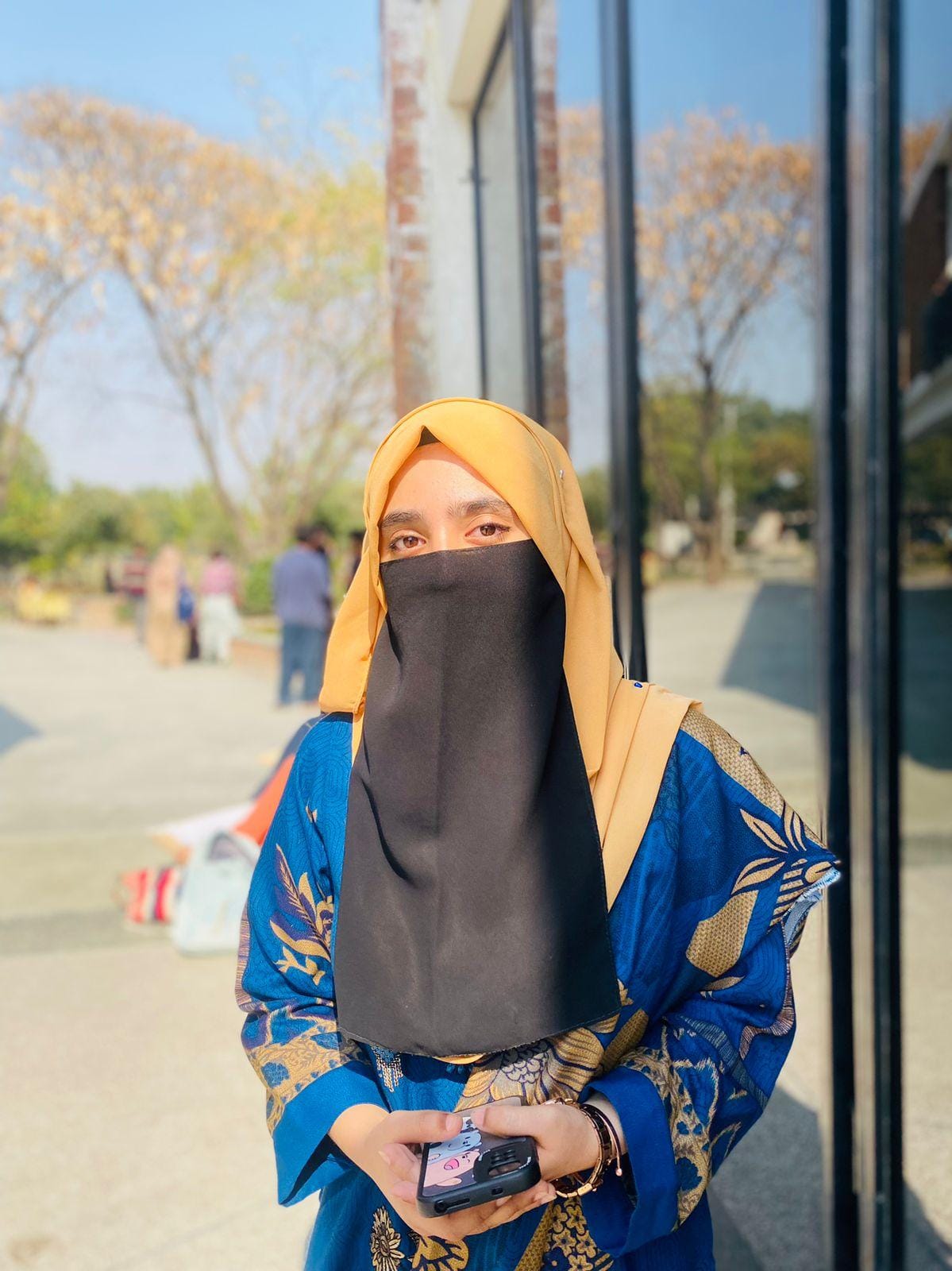
Mehroz

ML Engineer & Android Developer

Handles machine learning model training, TensorFlow Lite integration, and native Android processing with Kotlin.

ML/AI Kotlin TensorFlow
Team Member 3

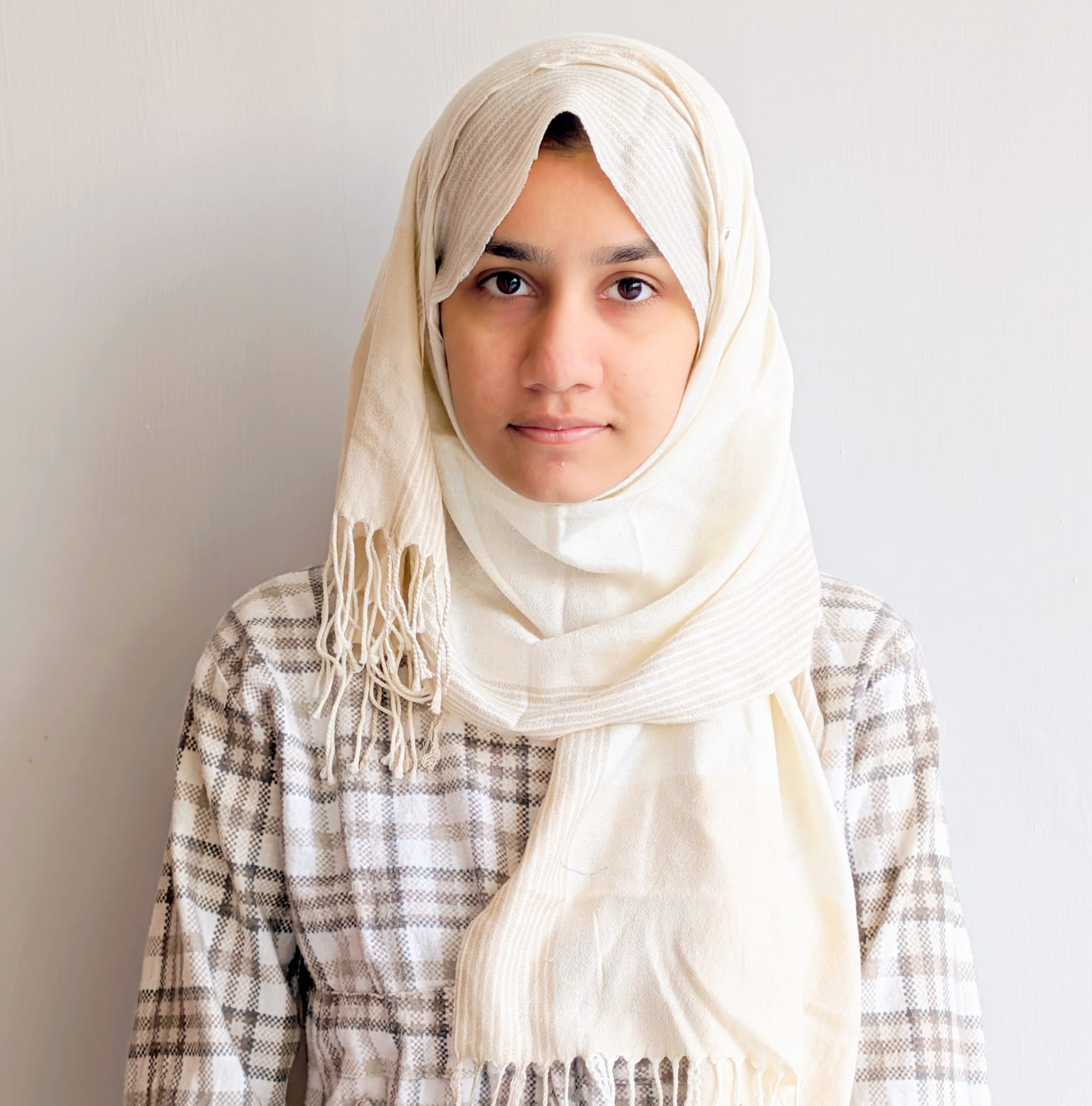
Bushra Jabbar

Computer Vision & UI/UX Designer

Implements MediaPipe integration, designs user interface, and ensures accessibility compliance for deaf users.

MediaPipe UI/UX Accessibility

Project Proposal

Preview the proposal below or download the full document.